
Tired of opening Canva and feeling like everybody else knows something you don’t?
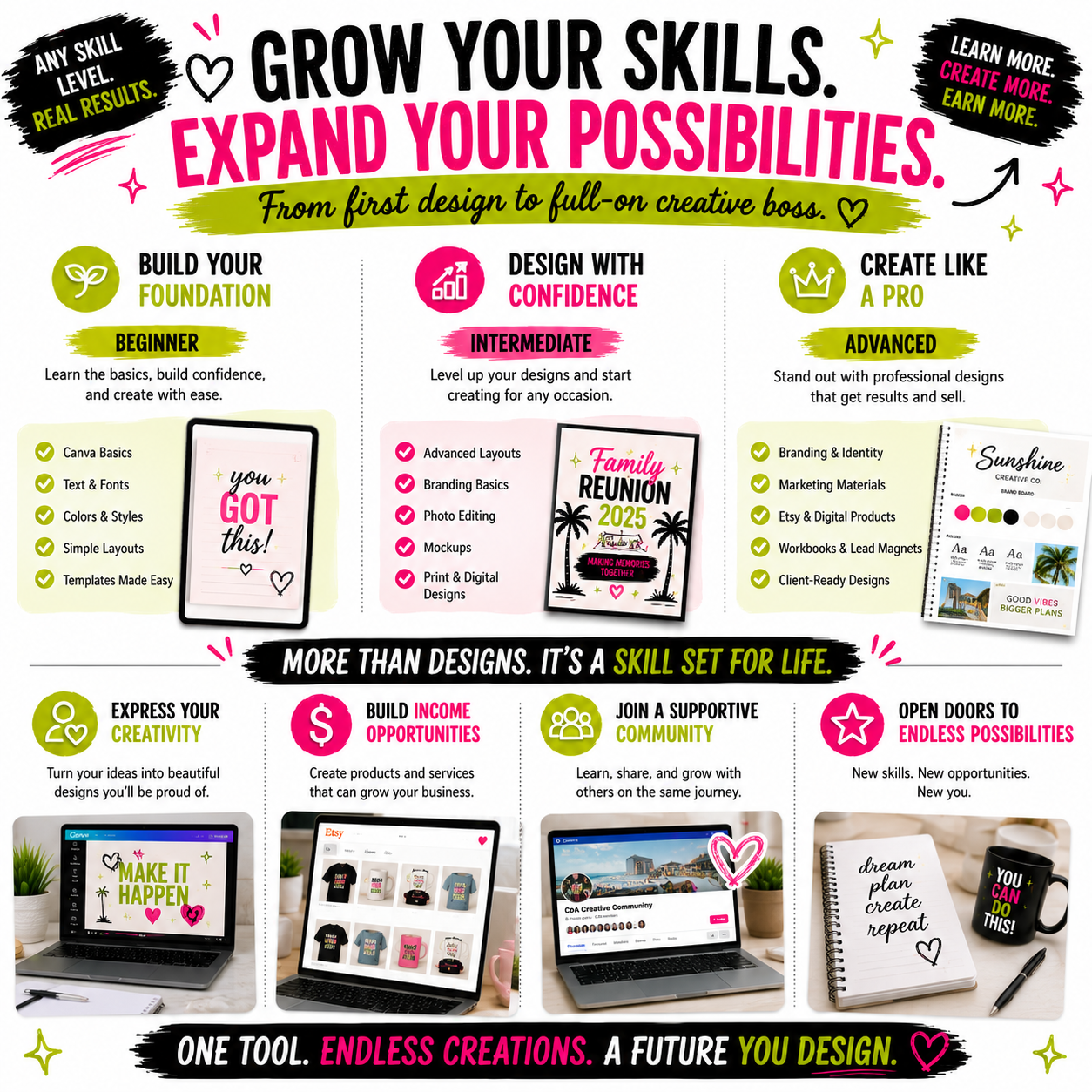
Canva Design Academy was created for creative women who want to stop guessing, stop depending on random templates, and finally learn how to design with confidence.
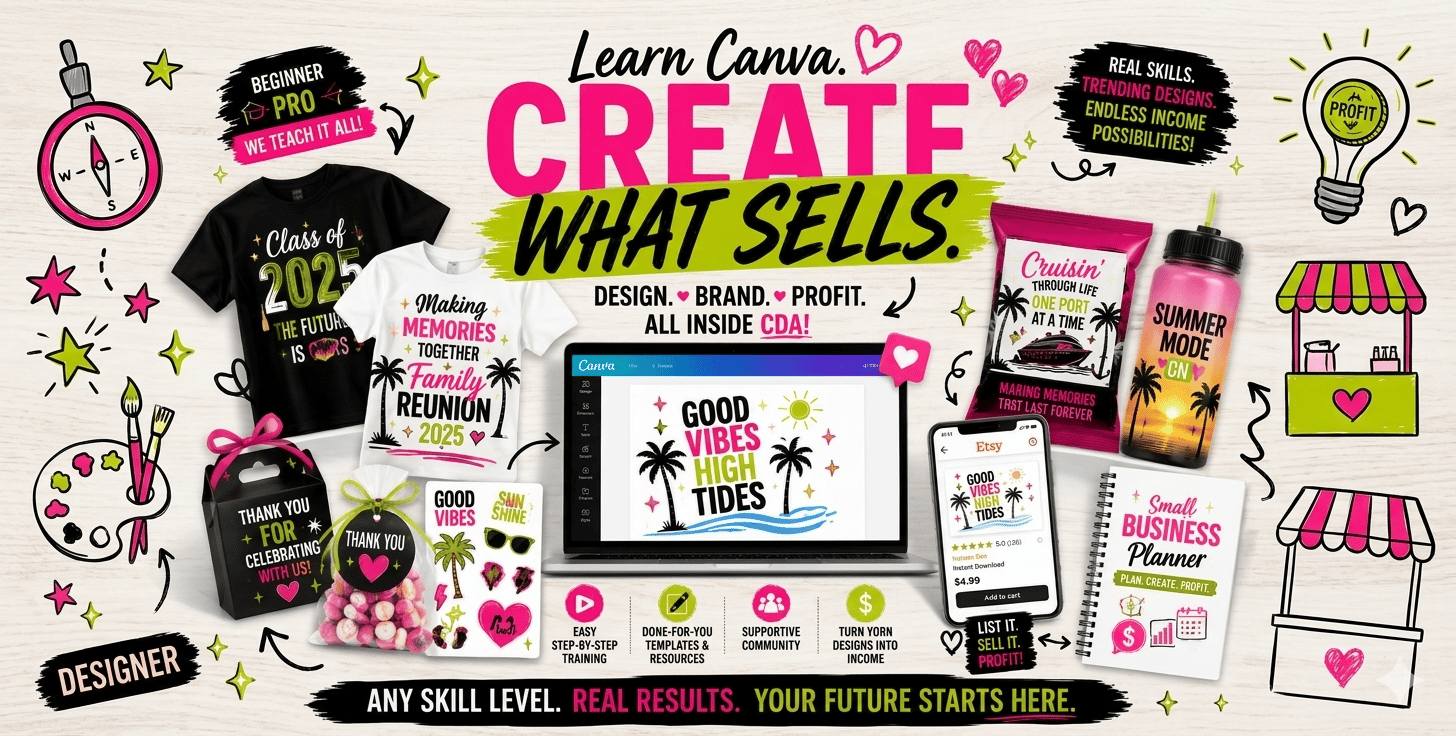
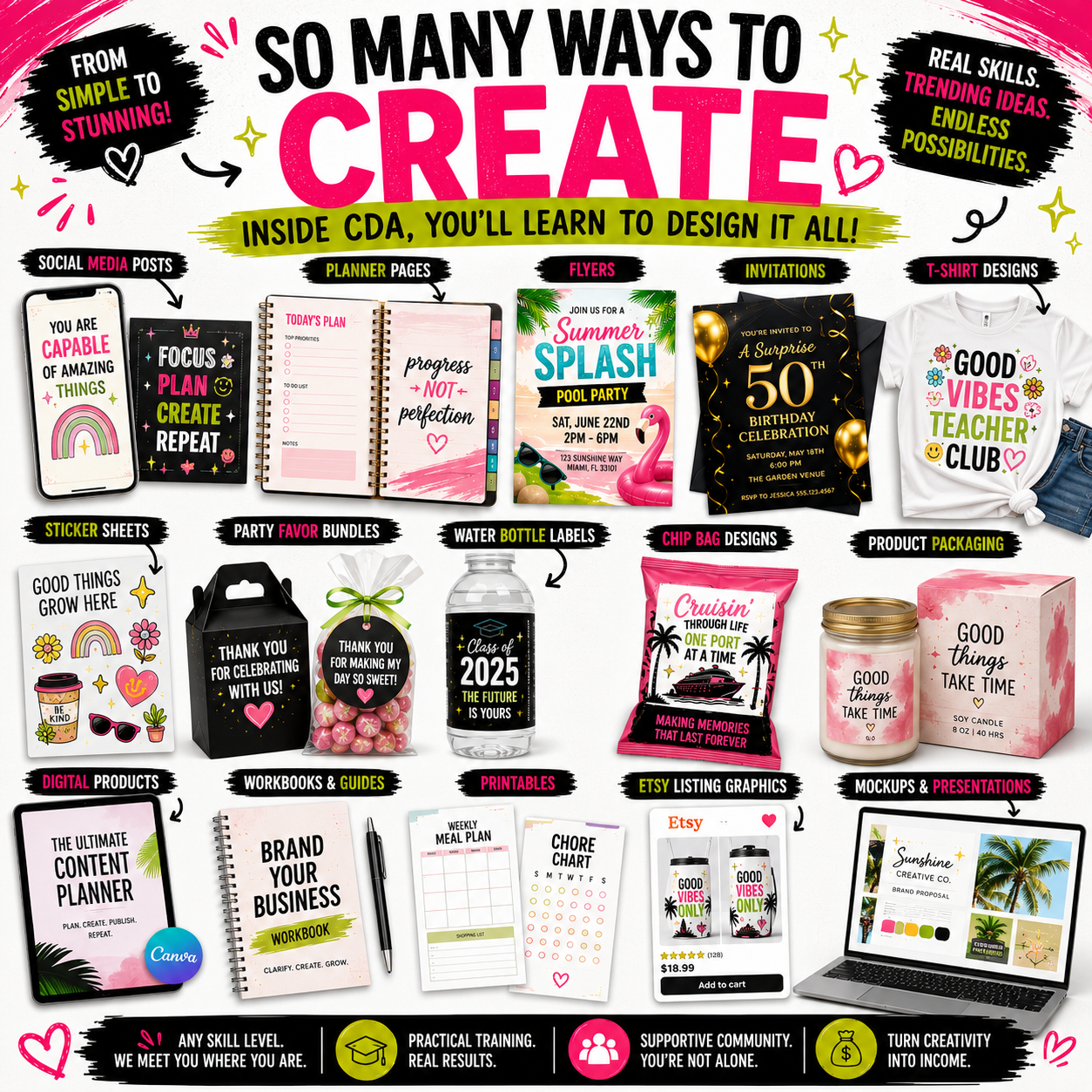
Whether you make shirts, tumblers, party favors, digital products, journals, stickers, planners, or business graphics — CDA helps you learn how to create clean, polished, sellable designs that actually look finished.
Inside the academy, you’ll learn design skills, product visuals, mockups, file setup, listing presentation, and the little details that make your work look more professional.
This is not about being fancy.
It’s about learning how to make your ideas look like something people want to buy.
Why Canva Academy?
Canva is easy to open… but that doesn’t mean your designs automatically look clean, polished, or ready to sell.
That’s where CDA comes in.
Inside Canva Design Academy, you’re not just learning where the buttons are. You’re learning how to design with purpose, how to clean up your layouts, how to create product visuals, and how to make your ideas look more professional before you post, print, or sell them.
Because the truth is, people don’t just buy the product.
They buy what they can clearly see, understand, and trust.
CDA helps you stop guessing your way through every design and start creating with more confidence, more structure, and more intention.
Who’s Canva Academy For?
If you’re a crafter, business owner, or side hustler looking to turn your creative ideas into extra cash, Canva Academy is THE place to be. Whether you're designing for fun or ready to make some coins, this is where you start making it happen.
Here’s What You’ll Get Inside Canva Academy:
Beginner-Friendly Tutorials
New to Canva or still feeling unsure? CDA walks you through the basics in a way that actually makes sense from understanding the workspace to learning how to build clean designs without feeling overwhelmed.
Product Design Training
Learn how to create designs for products like shirts, tumblers, party favors, stickers, planners, journals, labels, flyers, digital products, and more. You’ll see how to take an idea and turn it into something that looks finished, polished, and ready to use.
Mockups + Product Visuals
A good design still needs to be shown the right way. Inside CDA, you’ll learn how to place your designs on mockups, create better product visuals, and present your work so customers can clearly see what they’re buying.
Templates + Practice Projects
You’ll get access to design templates, practice projects, and guided examples that help you build your skills while creating things you can actually use for your business.
Listing + Presentation Help
Design is only one part of the sale. CDA also helps you understand how to present your products better with listing graphics, layout tips, and visuals that make your offers look more trustworthy and professional.
Course curriculum
-
1Start Here Member Orientation
-
2Starter Path 1: Digital Product Selling Design It. Mock It. List It. [NOW AVAILABLE}
-
3Start Path 2: Physical Product Seller Path: Design It. Size It. Make It. Sell It. [NOW AVAILABLE}
-
4Canva Foundation [NOW AVAILABLE}
-
5Product Mockups
-
6Party Favor Templates
-
7Christmas Color Palettes, Digital Papers, and Elements
-
9Christmas Design Skill Sessions Replays
-
10Valentines Day Design Skill Sessions
-
11Graduation Season Design Skill Session Replays
-
12Back To School Design Skill Sessions
-
13Bonus Templates
-
14Design Growth Tools
I’M READY TO CREATE LIKE THIS
"Coach Kay is always dropping the gems! If you still haven’t gotten into Canva Academy, what are you waiting for? You better run and grab your spot. Coach Kay is an awesome coach."
- CDA MEMBER
“I thought my design was cute until I learned how to mock it up and present it better. That alone changed how my products looked. Now when I post, it actually looks like something people can buy.”
— CDA Member
“Before CDA, I was just moving stuff around and hoping it looked right. Now I know what to look for — spacing, fonts, sizing, mockups, all of that. It makes a big difference.”